![NextPatient_Logo_RGB_Charcoal (2).png]](https://help.nextpatient.co/hs-fs/hubfs/Logos/NextPatient%20Logos/NextPatient_Logo_RGB_Charcoal%20(2).png?height=31&name=NextPatient_Logo_RGB_Charcoal%20(2).png)
Accessing the Unconfirmed Worklist
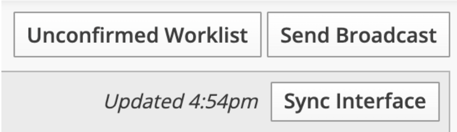
Navigate to the Today’s Patients tab. In the top-right corner, select Unconfirmed Worklist.
If you do not see the Unconfirmed Worklist button in your account, please reach out to your Account Manager.
Managing Patients on the Worklist
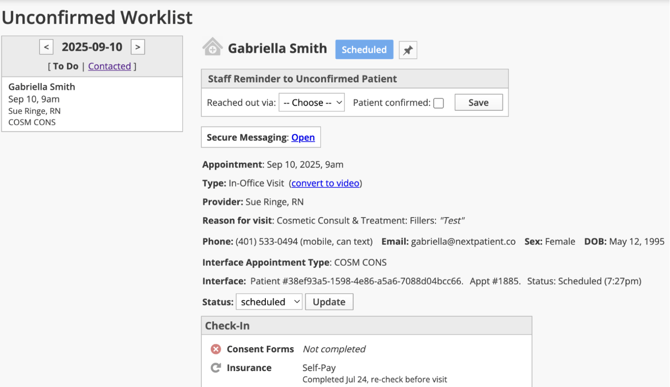
Use the day selector on the left to choose the date you want to work on. Each day has two lists:
- To Do displays all patients with unconfirmed appointments scheduled for the selected day.
- Contacted displays patients who have already been contacted about their appointment.
- Once a patient's appointment is confirmed, they automatically drop off the Unconfirmed Worklist.
Select a patient from the To Do list to view their appointment details and manage your follow-up.
The Staff Reminder box at the top of the page allows you to document your outreach by phone or text. If you connect with the patient and they confirm their appointment, you can also mark the appointment as confirmed. This confirmation is sent back to your practice management system.
The patient's appointment details are displayed on the page as well. If your account has two-way texting enabled, you can also send the patient a quick text directly from the worklist.