![NextPatient_Logo_RGB_Charcoal (2).png]](https://help.nextpatient.co/hs-fs/hubfs/Logos/NextPatient%20Logos/NextPatient_Logo_RGB_Charcoal%20(2).png?height=31&name=NextPatient_Logo_RGB_Charcoal%20(2).png)
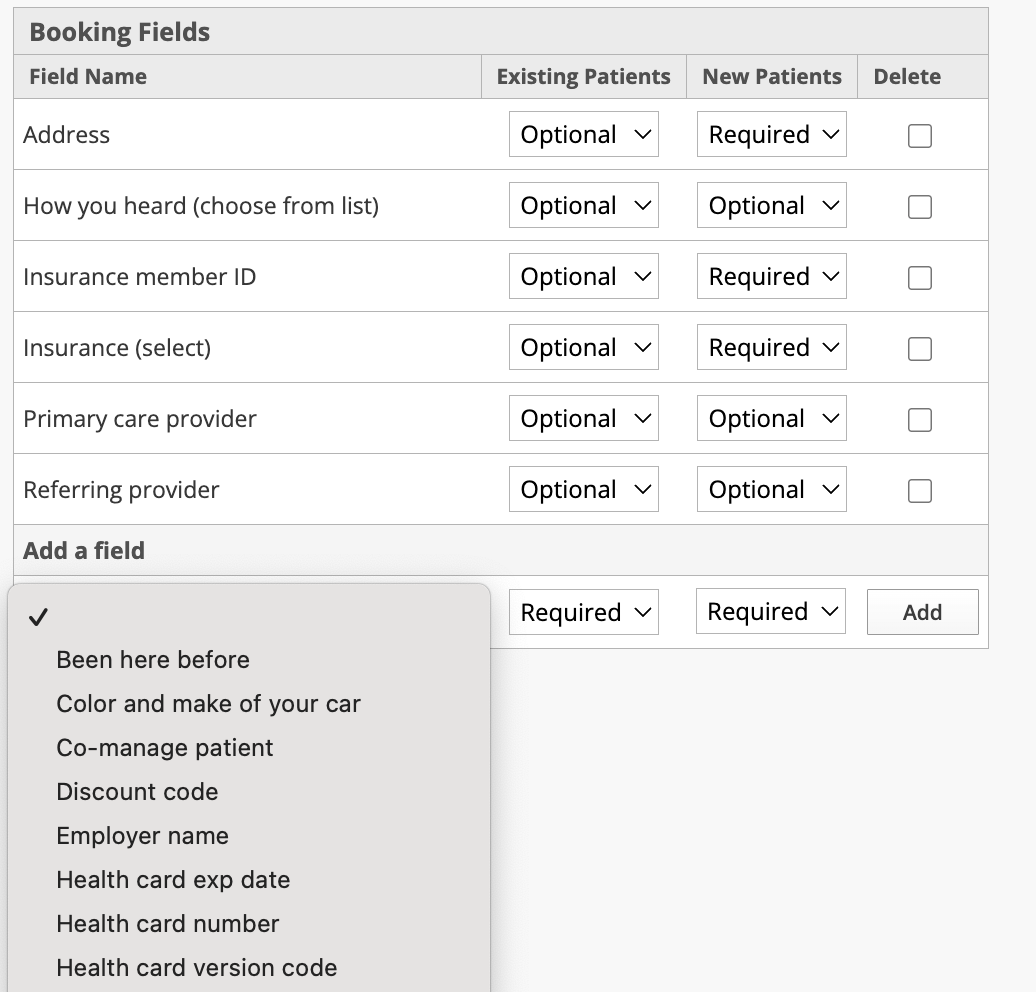
Step 1: Ask your account manager to enable "Discount Codes" as an optional field on your booking form.
Step 2: Set up codes
Go to your settings page in NextPatient.
Now, change the URL ending from "/settings" to "/discount-codes"
This will take you to the page where you can add/change the discount codes accepted by the practice.
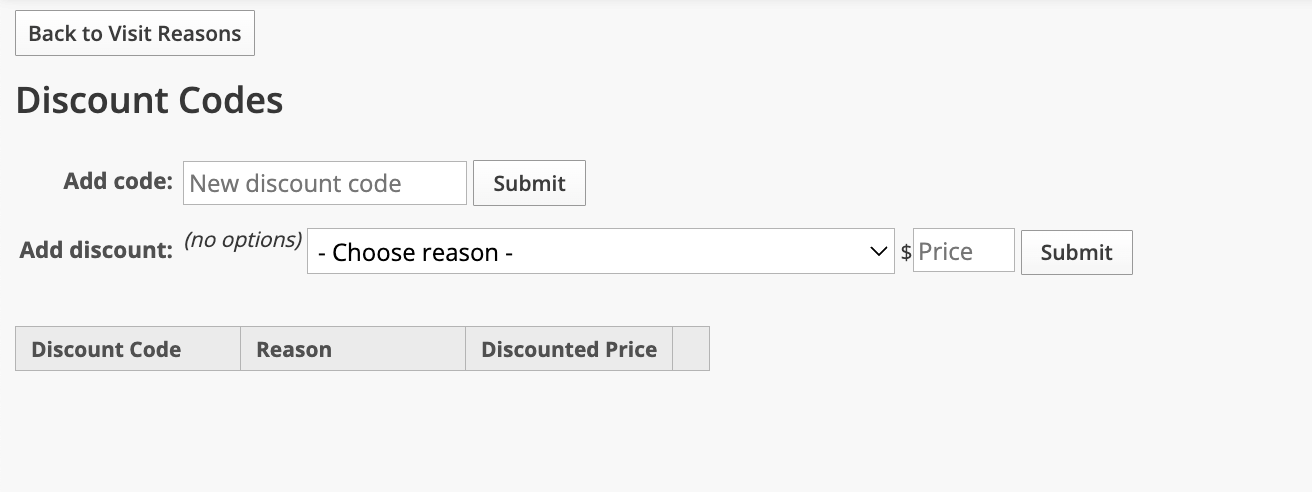
You'll want to add a new code, and then you can choose the reason(s) to which the discount code can be applied. Include the discounted price that will be shown on the booking form.