![NextPatient_Logo_RGB_Charcoal (2).png]](https://help.nextpatient.co/hs-fs/hubfs/Logos/NextPatient%20Logos/NextPatient_Logo_RGB_Charcoal%20(2).png?height=31&name=NextPatient_Logo_RGB_Charcoal%20(2).png)
How does a patient add themself to the waitlist?
Option 1:
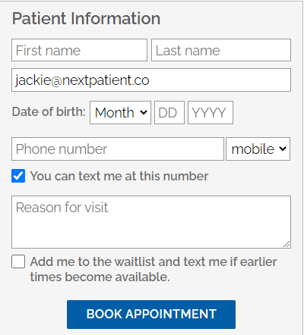
Adding a checkmark to the waitlist option on the booking form when booking their appointment online.
Option 2:
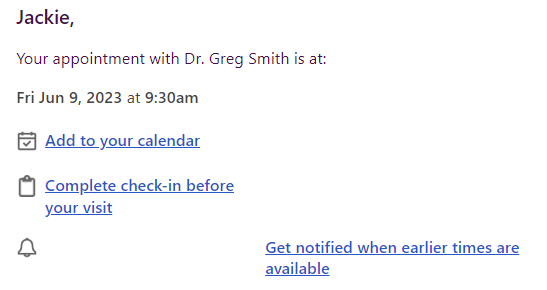
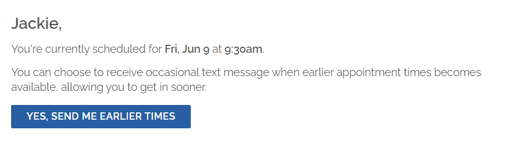
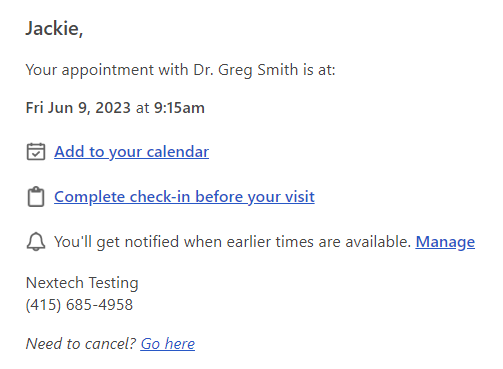
Clicking “Get notified when earlier times are available” on the confirmation email that is sent after booking online.
How does a patient remove themself from the waitlist?
Option 1:
Click on “Manage” on the confirmation email then unsubscribe.
Option 2:
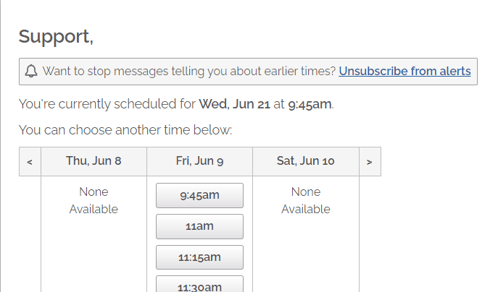
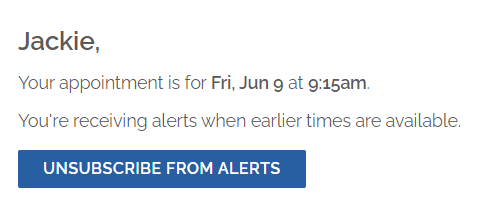
When a patient is sent a waitlist message with a list of earlier times, they can click on “Unsubscribe from alerts”